
New 80s Text Effect
$9.99Editable Photoshop (.psd) text effect that applies an 80s-style appearance via a Smart Object; open the PSD, edit the Smart Object text and save to update the effect.
Showing all 7 resultsSorted by price: low to high

Editable Photoshop (.psd) text effect that applies an 80s-style appearance via a Smart Object; open the PSD, edit the Smart Object text and save to update the effect.

Marketed as a ‘Pop Art Text Effect’ Photoshop action, the archive contains a layered PSD with a Smart Object for inserting editable text; the Readme instructs opening the Smart Object, typing your text and saving to apply the effect. Note: the archive does not include a separate .atn action file.
A Photoshop PSD text-effect template that uses a Smart Object for editable text to produce a retro/vintage typographic effect; open the Smart Object, edit the text, save to apply. Delivered as a layered PSD (no preview included).

Photoshop retro text effect that uses an editable Smart Object PSD to replace headline text; follow the Readme: open the PSD smart object, edit your text and save to apply the effect. The product title indicates a Photoshop action-style workflow and the archive contains a layered PSD.
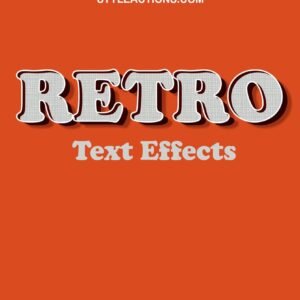
A Photoshop action/text-effect package delivered as a PSD with an editable Smart Object — open the included PSD, edit the Smart Object text and save to apply a retro-style text treatment.
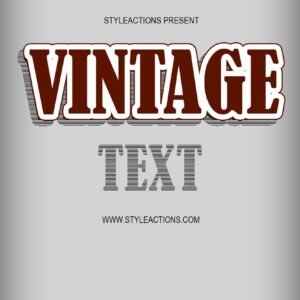
Layered Photoshop PSD text-effect template that applies a vintage/retro style to text; edit the included Smart Object to replace text and save to update the effect. Supplied as a PSD file for export to web or print.
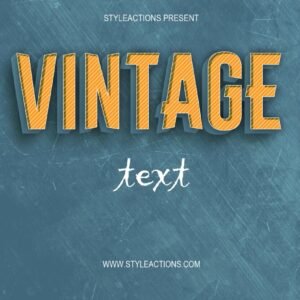
Editable Photoshop PSD that applies a vintage text effect; open the included Smart Object, replace the text, save and the effect updates. Requires Adobe Photoshop and uses the included PSD (no preview provided).
Notifications